Minecraft Dungeons II Beginner Tips and Systems
Start by making the right kind of hero, use a controller if you can, learn to jump-attack and roll, and spend your first upgrades on the blacksmith and enchantsmith. Below are the systems and habits that reviewers and launch-day players point to. Where a fact comes from pre-launch data, verify it in game.
1. Pick online or offline first
Players report the game keeps online and offline heroes separate. If you plan to play with friends over the internet, create an online hero from the main menu. An early review confirms they’re not interchangeable. See co-op and crossplay issues.
2. Use a controller
The PC version has no WASD; it uses click-to-move, and attacking and moving share the same click. Reviewers and players say a controller feels better, especially for jumps and rolls. See graphics and controls.
3. Learn jump attacks and rolls
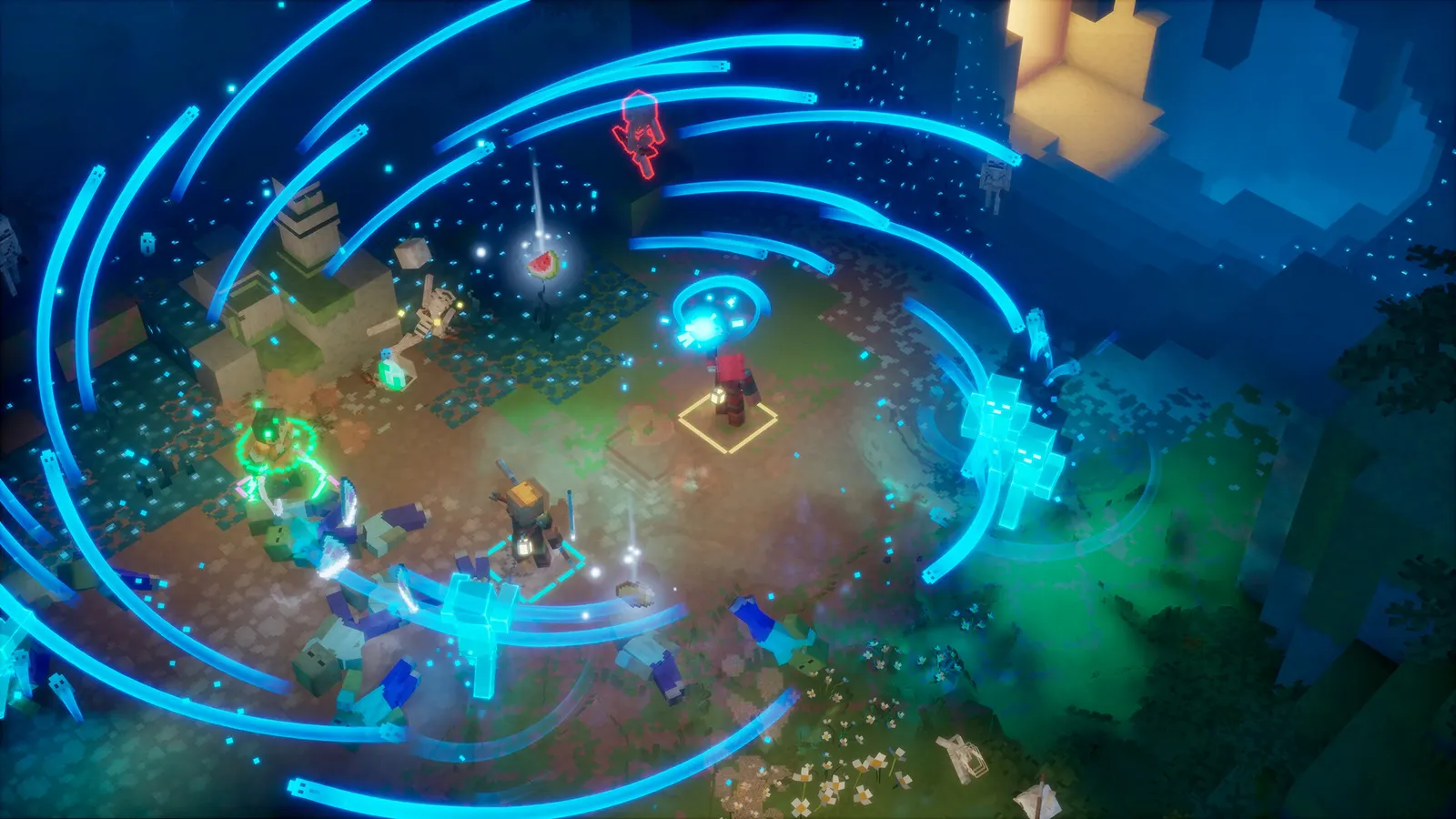
Jumping is new. Early reviews highlight jump attacks for melee damage, and several enchantments key off rolling or jump attacks, such as Dynamo, Crash Landing and Tumbleshot. Check the enchantments list.
4. Understand gear slots
- Weapons: one melee and one ranged.
- Armor: four pieces (helmet, chestplate, leggings, boots), each with its own perks.
- Artifacts: active abilities. Pre-launch data says two slots early and a third at level 10; another early review describes three slots.
- Talismans: passive buffs, up to three equipped, that level up with use from I to III.
Browse the weapons, armor, artifacts and talismans databases.
5. Souls power artifacts
You gain souls by defeating mobs, and artifacts spend them. Heroes can hold 100 souls at first, per pre-launch data. Every hero who damages a mob gets a soul, so co-op doesn’t split them. Watch the soul meter before you pick a fight.
6. Rarity and effects
Items come in Common, Rare, Special and Unique variants. Per pre-launch data, Rare items have one random effect, Special items have two, and Unique items have their own name and a built-in effect plus one random effect. The blacksmith can reroll effects for echo shards.
7. Visit the blacksmith and enchantsmith
- The blacksmith upgrades gear power with emeralds and rerolls effects with echo shards.
- The enchantsmith applies enchantment books. Pre-launch data says the cost for tiers I to III is one echo shard plus 3, 5 and 7 enchantment points, and that you earn one point per level. Verify those numbers in game.
- Each item holds one enchantment, so spread them across weapons and armor for synergy.
8. Explore for loot
Reviewers say hidden passages and side quests hold gear and talismans. Talismans come from certain quests or special chests, per pre-launch data.
9. Play with friends
The game supports up to four players. An early review notes offline local co-op and mixed local plus online. See platforms and crossplay.
10. Don’t panic about launch bugs
If sign-in or launch fails, see crash on launch or Microsoft account link failed.
Build advice will improve once players share tested numbers; we’ll update this page then.
FAQ
Should I play with a controller?
Launch-day players and reviewers recommend it. The PC version has no WASD movement; movement is click-to-move with the mouse.
What is the difference between online and offline heroes?
They're separate. Create an online hero if you want to play with remote friends.
How do artifacts work?
They're active abilities powered by souls that you collect by defeating mobs. Each artifact costs a different amount and then goes on cooldown.
Can I put more than one enchantment on an item?
No. Each enchantable item holds one enchantment, according to pre-launch data and an early review.
Where do I upgrade gear?
At the blacksmith, which upgrades item power with emeralds and rerolls effects with echo shards.