Minecraft Dungeons II PC System Requirements
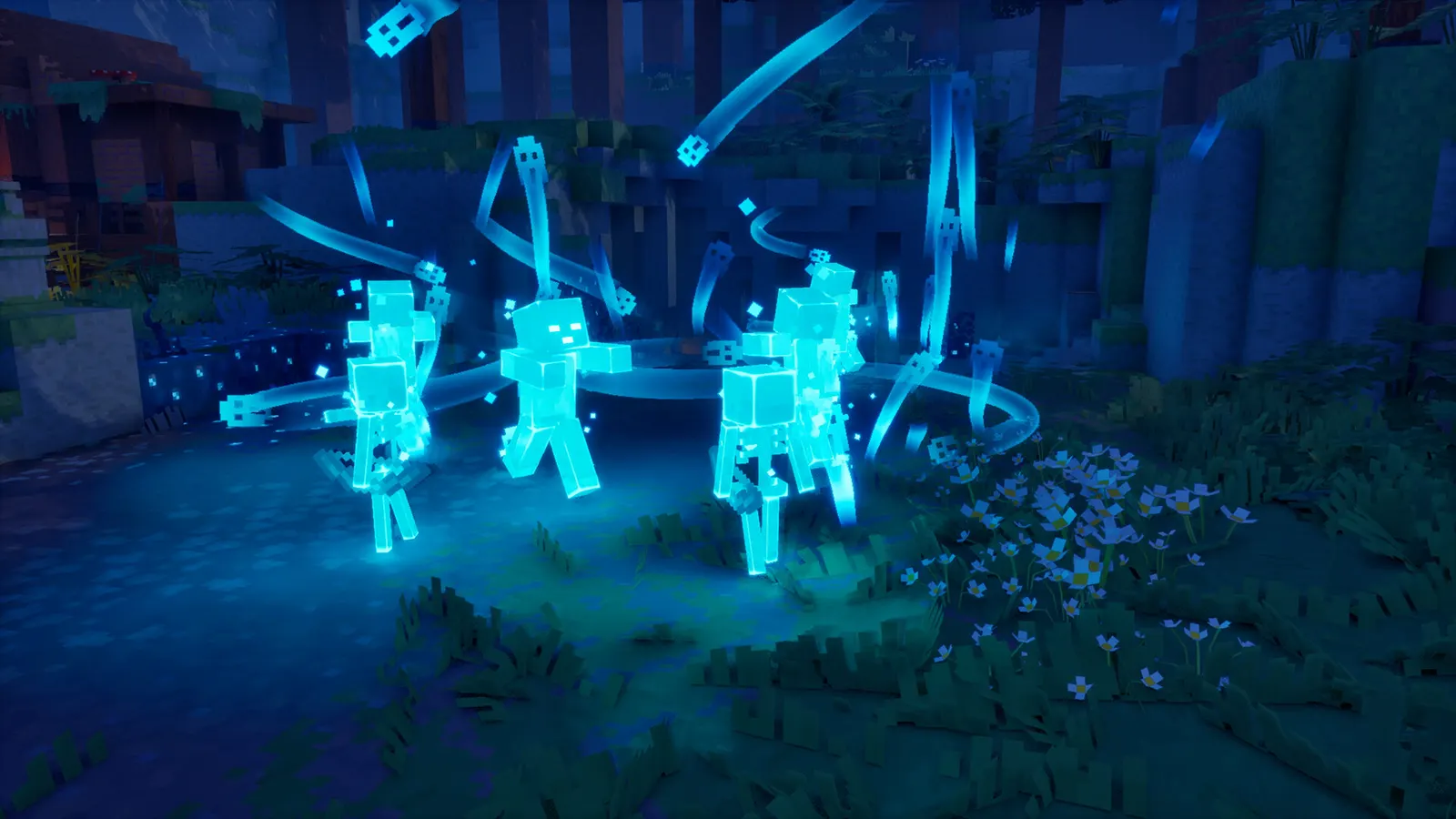
Minecraft Dungeons II (Minecraft Dungeons 2) needs a 64-bit Windows 10 PC. The minimum is an Intel Core i3-8100 or Ryzen 3 2200G, 8 GB of RAM and a GTX 1050 or RX 560 with 2 GB of VRAM. The recommended spec is an Intel Core i5-8400 or Ryzen 5 2600, 16 GB of RAM and a GTX 1060 or RX 580 with 6 GB of VRAM. Both need DirectX 11.
Official requirements (Steam)
| Minimum | Recommended | |
|---|---|---|
| OS | Windows 10 64-bit (1703 or newer) | Windows 10 64-bit (1703 or newer) |
| Processor | Intel Core i3-8100, AMD Ryzen 3 2200G or equivalent | Intel Core i5-8400, AMD Ryzen 5 2600 or equivalent or higher |
| Memory | 8 GB RAM | 16 GB RAM |
| Graphics | NVIDIA GeForce GTX 1050, AMD Radeon RX 560 or equivalent dedicated card, 2 GB VRAM | NVIDIA GeForce GTX 1060, AMD Radeon RX 580, 6 GB VRAM or equivalent |
| DirectX | Version 11 | Version 11 |
A 64-bit processor and operating system are required. The Steam page didn’t list a storage amount when we checked. Integrated graphics are not listed as supported.
What this means in practice
- Older laptops: if your GPU has less than 2 GB of VRAM or is integrated, expect problems.
- 8 GB of RAM is the floor. Close browsers and launchers when you play.
- The recommended GPU is modest. A GTX 1060 or RX 580 from years ago still qualifies.
- Reports from launch day: one reviewer ran the game at 240 FPS on Ultra with a high-end PC, and another saw poor performance on a Surface Pro with an ARM processor. These are individual reports; the game is not officially listed for ARM.
Other platforms
- Xbox Series X|S, PlayStation 5, Nintendo Switch and Switch 2 are supported platforms; see platforms and crossplay.
- Xbox app / Windows PC: Xbox lists PC support and Xbox Play Anywhere.
- Steam Deck / Linux: Steam lists Windows only and the game currently doesn’t launch under Proton. See Steam Deck and Linux.
If you meet the specs but it won’t run
Common causes are Microsoft’s Gaming Services, a sign-in problem or drivers. See crash on launch and graphics settings.
How to check your own PC
- Press Windows key + R, type
dxdiagand press Enter to see your CPU, RAM, GPU, VRAM and DirectX version. - Open Task Manager > Performance to confirm RAM and GPU memory.
- Compare each line with the table above. Laptops with integrated graphics or under 2 GB of VRAM will not meet the minimum.
- Update your GPU driver before installing; see crash on launch if the game misbehaves afterwards.
Accounts and services
The PC version requires a Microsoft account and Microsoft’s Gaming Services. That isn’t a hardware requirement, but it is a common point of failure. See Microsoft account link failed.
Requirements may be updated by the publisher. This page was checked against the Steam listing on September 29, 2026.
FAQ
Can my PC run Minecraft Dungeons II?
If you have a 64-bit Windows 10 (1703+) PC with a quad-core-class CPU like an Intel Core i3-8100, 8 GB of RAM and a GTX 1050 or RX 560 with 2 GB of VRAM, you meet the minimum. For a smoother experience Steam recommends a GTX 1060-class card with 6 GB VRAM and 16 GB RAM.
Does it need Windows 11?
No. Steam lists Windows 10 64-bit, version 1703 or newer, for both minimum and recommended.
How much storage does it need?
The Steam page did not list a storage figure when we checked. Look at the Steam install prompt for the current size.
Does it run on Mac or Linux?
Steam lists Windows only. Players report the game does not start on Linux or Steam Deck via Proton.
What is the frame rate target?
There is no official target on the Steam page. Players report the game running at high refresh rates on modern hardware.